Logo mistakes on branded diaries usually begin before printing: an outdated artwork file, an RGB colour reference, missing fonts, or measurements that ignore folds and binding. By checking the artwork handoff, material-specific proof, production details and written approval record, you can identify who introduced the error and prevent it before the bulk order reaches your Bengaluru event or office.
Key takeaways
- Send vector artwork in CMYK with the approved logo version.
- Compare the proof against the original logo at actual print size.
- Test cover material, foil, embossing and colour before bulk production.
- Approve one signed sample before releasing the full Bengaluru order.
The artwork handoff creates most diary logo errors
Most diary logo errors are locked in before a machine starts: the wrong logo version, an RGB image, or an unapproved file reaches production. These custom diary printing problems in Bengaluru become expensive once plates, dies, binding and packing are underway.
Send one controlled master file with a written brand specification. Include:
- The approved logo version, supplied as AI, EPS or SVG; use a high-resolution PDF only when vector artwork is unavailable.
- CMYK colour values or a named colour reference, plus clear space, minimum size, orientation and imprint location.
- The actual production template showing bleed, fold lines and safe margins. Keep the logo away from folds and edges.
- Outlined fonts and linked images embedded in the final PDF. Do not assume the printer has the correct typeface.
- A named client approver who signs the PDF proof. Treat that signed proof as the production reference, not an email description or WhatsApp image.
- A physical pre-production sample for checking texture, foil, ink rub, placement and case-making distortion.
| Mistake | Result | Control |
|---|---|---|
| Outdated or unlabelled logo files | Wrong mark, colour or tagline | Archive old versions and send one master file |
| RGB artwork | Bright screen colour prints dull or shifts hue | Convert and approve in CMYK |
| Missing bleed or incorrect template | Trimmed logo or unsafe edge position | Use the supplier’s actual dieline |
| Printer substitutes fonts or artwork | Changed lettering or proportions | Outline fonts and prohibit substitutions in writing |
| Digital proof approved without a sample | Foil, embossing or alignment failure reaches bulk stock | Approve a physical diary sample |
| Unclear purchase-order remedy | Dispute over rework, replacement quantity or payment | Define tolerances and responsibility before production |
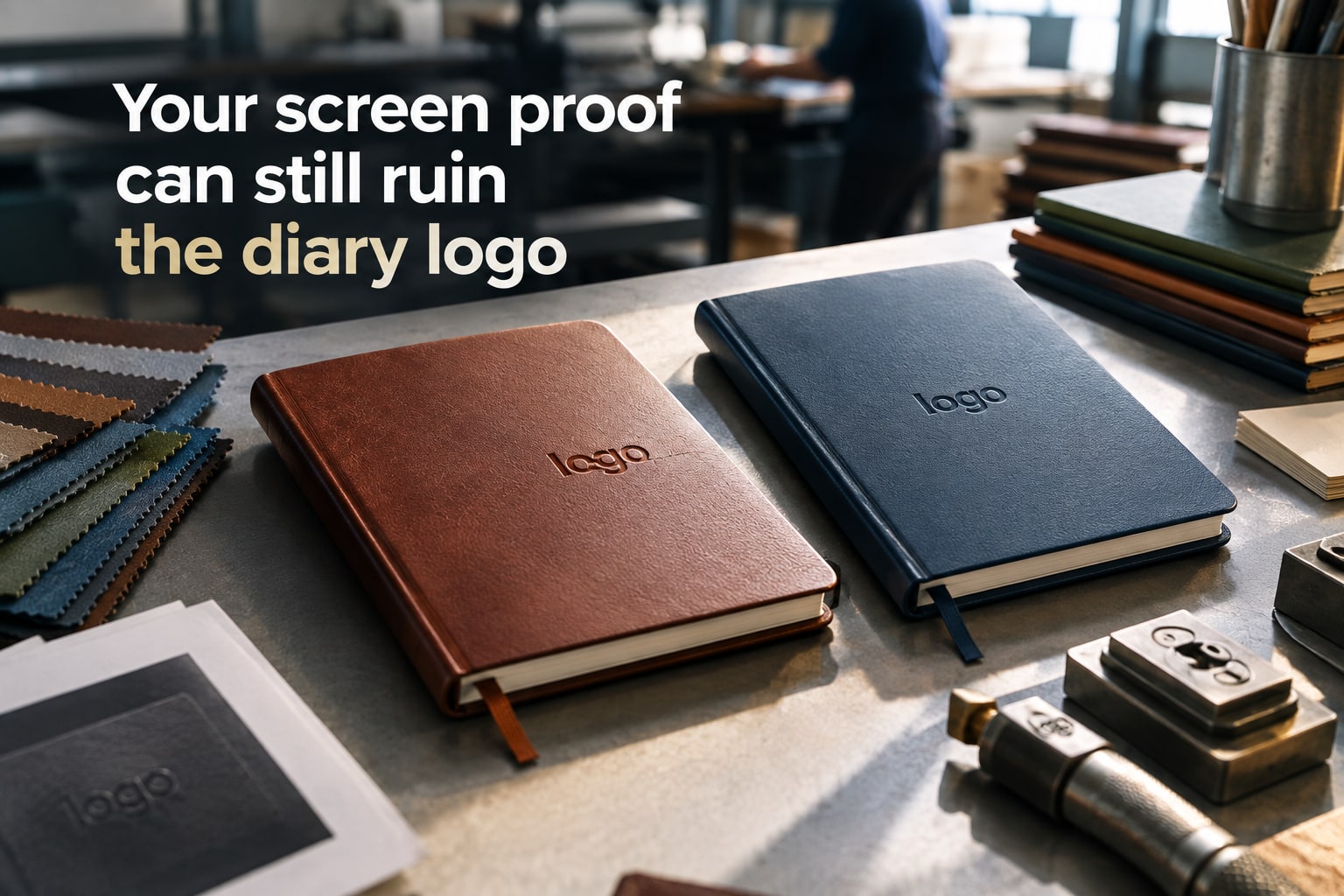
Why a correct-looking screen proof can print incorrectly
A monitor emits RGB light; a diary cover reflects CMYK ink, foil or another surface finish. The screen can show a vivid electric blue that has no matching CMYK mix, so the printed version appears duller, darker or shifted towards purple. Specify an approved CMYK or Pantone value instead of approving colour from a screenshot.
Size changes when artwork is scaled to fit the supplier’s production template. A logo that occupies 25 mm on the screen proof can print smaller after bleed, trim and safe-area adjustments, or appear larger when the cover material increases contrast. Check the stated finished dimensions, not the logo’s apparent size on your monitor.
Placement changes because a diary is not a flat sheet. The cover is wrapped, folded, stitched, glued and sometimes rounded; a logo near a fold or edge can move visually even when its flat artwork was accurate. Use the actual template’s fold lines and safe margins, then inspect a physical sample.
Screen approval also misses surface behaviour. Uncoated paper absorbs ink, while laminated board holds sharper edges; the same artwork will not produce identical contrast or fine detail. For branded diaries for businesses, approve the material-specific sample and compare:
- Logo colour or foil shade
- Finished logo width and height
- Distance from edges, spine and folds
- Orientation and legibility
- First, middle and last branded page positions
A single correct-looking sample does not eliminate diary logo errors across a bulk run. Ask for a documented inspection sample before accepting the full quantity.
Cover material and finishing change the logo result
PU, fabric, and laminated board do not give a logo the same surface, so a design approved on screen can fail after case-making. PU and leatherette absorb or soften ink edges; textured fabric breaks fine lines; coated paper keeps sharper detail but can show glare. These differences create many custom diary printing problems in Bengaluru.
| Material or finish | Logo problem | What to check |
|---|---|---|
| PU or leatherette | Fine details fill in, and debossed marks lose contrast on dark or soft covers | Test line thickness, die depth, and contrast on the actual PU |
| Fabric or cloth | Texture interrupts small text, thin borders, and foil adhesion | Check legibility at normal reading distance |
| Laminated board | Gloss changes perceived colour and can cause glare; matte film can dull bright colours | Approve the logo under office lighting, not only on a screen |
| Foil stamping | Foil shade, adhesion, and edge sharpness vary with texture and pressure | Specify foil colour and inspect for lifting or broken edges |
| Embossing or debossing | Fine internal details disappear, while excessive depth distorts nearby artwork | Use a simplified mark and confirm the die size |
| Spot UV or raised finish | Misregistration creates a visible offset around the logo | Check alignment against the cover edges and spine |
Embossing is not a substitute for full-colour printing. For branded diaries for businesses, request a physical pre-production sample on the final cover material and finish. Inspect foil adhesion, ink rub, emboss depth, spine distortion, logo position, and colour before approving the bulk run. A digital mock-up cannot prove any of these.
The buyer’s pre-production checklist for a Bengaluru order
Confirm every specification in writing before approving custom diaries for branding errors orders in Bengaluru. A signed PDF proof must be the production reference, not an email description or phone image.
1. Verify the artwork version, brand approval date and named client approver. Supply the logo as AI, EPS or SVG; outline fonts and reject low-resolution raster files, missing fonts, outdated artwork and printer-side substitutions.
2. Confirm the production colour method. Convert RGB artwork to CMYK, record CMYK or Pantone references, and note that a bright screen colour can print darker or shift in hue.
3. Use the actual cover template to approve finished dimensions, bleed, fold lines, spine position, stitching clearance, rounded-corner clearance, logo clear space and safe margins. Set the minimum line weight and type size at the logo’s final physical size.
4. Compare three proofs: the digital proof for wording and placement, a physical colour proof for ink appearance, and a finished diary sample for wrapping, binding, foil adhesion, embossing, deboss depth, rub resistance and alignment.
5. Put the remedy in the purchase order: state the position and colour tolerances, replacement quantity, rework responsibility, treatment of customer-approved artwork, and who pays for errors introduced after proof approval.
6. Separate bulk-production approval and transport time from the Bengaluru event or distribution date. Reserve time for die or plate manufacture, sampling, binding, packing and inspection; do not approve a mismatch merely because delivery is close.
How to approve the supplier, sample and bulk run
Approve the supplier against a written process, not a verbal promise. For custom diaries for branding errors orders in Bengaluru, name one client approver and one supplier contact, then attach the approved PDF, vector artwork, brand colours, imprint method, position, orientation and tolerance to the purchase order.
If DRVY ENTERPRISES BLR is quoting, send these controls with the purchase order rather than leaving them in WhatsApp.
1. Confirm the supplier will use one controlled master file. Record the logo version, clear space, minimum size, colour reference and who pays if the supplier substitutes a file or changes production after approval.
2. Require a physical pre-production diary, not only a digital mock-up. Check foil adhesion, deboss depth, cover texture, ink rub, spine distortion, logo position, colour and legibility under normal lighting. Record approval by date, name and signature.
3. Define the bulk acceptance sample before manufacture. Inspect a documented sample from the packed run, not a hand-picked showcase unit, for logo version, shade, orientation, alignment, surface damage and quantity.
4. Separate production approval from the event or distribution date. Put artwork correction, die or plate manufacture, sampling, binding, packing and transport deadlines in writing, with a delivery date that leaves inspection time.
5. State the remedy before production: replacement quantity, rework deadline, collection and redelivery responsibility, and transport costs. The signed proof governs errors introduced by the supplier; buyer-approved artwork governs changes the buyer requested or supplied.
Keep every revision, proof, inspection photograph and delivery record with the order. That file decides responsibility when a personalised diary supplier in Bengaluru disputes a branding error.
Related product
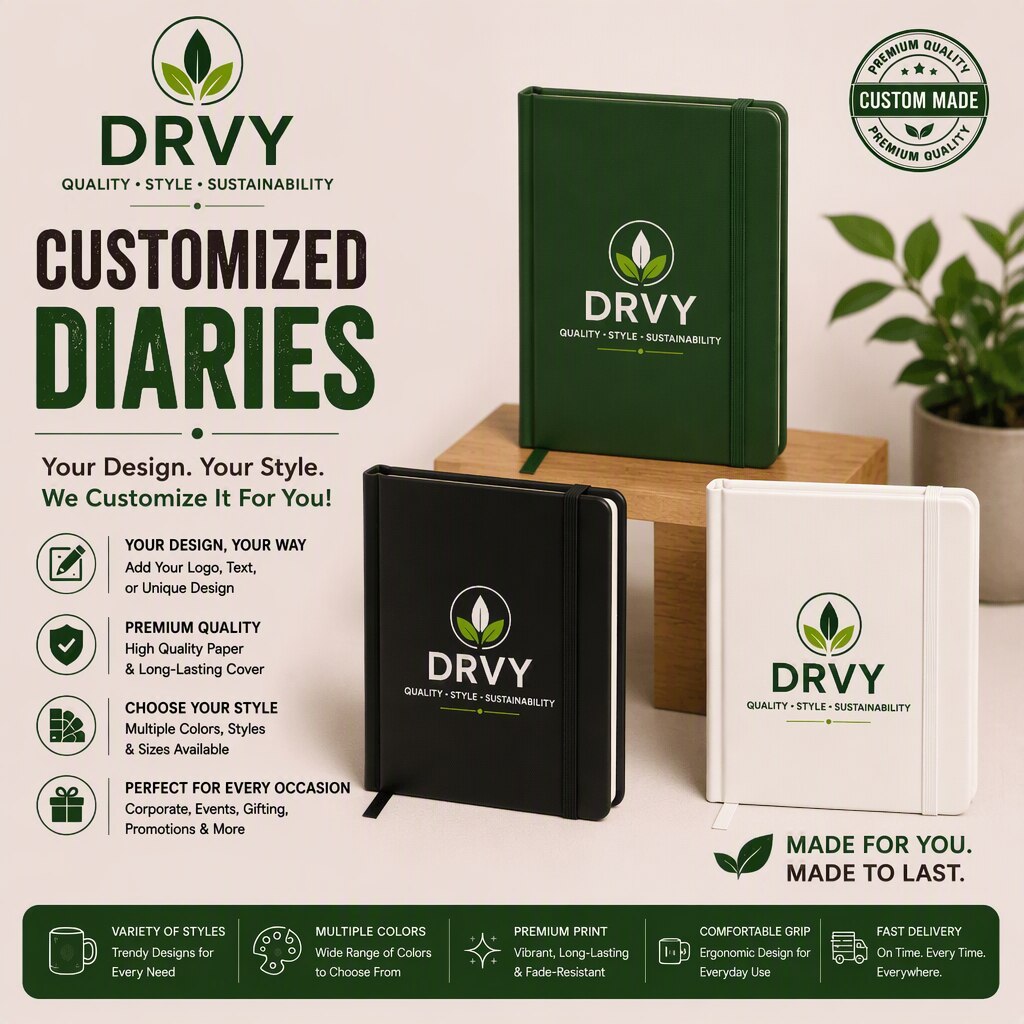 | Customised Diaries Manufacturer in Bangalore, DRVY DRVY specialises in creating personalised diaries tailored for businesses, corporate gifts, events, and promotional... View product → |
Frequently asked questions
Why do custom diaries have branding errors in Bengaluru orders?
Errors begin when the wrong logo version, RGB artwork or an unapproved file reaches production. Plates, dies, binding and packing make corrections more expensive later.
Why can a correct-looking screen proof print incorrectly?
Screens display light-based RGB colour, while printing uses CMYK inks or specialised finishes. Screen scaling, colour conversion, fine details and missing bleed can change the printed logo.
How do cover material and finishing affect a diary logo?
Paper, leatherette, PU, fabric and textured covers absorb or reflect ink differently. Foil, embossing, debossing and screen printing also change edge sharpness, contrast and apparent logo size.
What should you check before approving a custom diary order?
Check the logo version, file format, CMYK colours, dimensions, bleed, placement, spelling, imprint method, cover material and finishing. Request a physical sample when the finish affects appearance.
How should you approve a supplier, sample and bulk diary run?
Confirm the supplier's artwork process, review a digital proof, approve a physical sample when needed, and sign off the exact approved version before bulk production.
Keywords